
You are here
Gem Acquisition
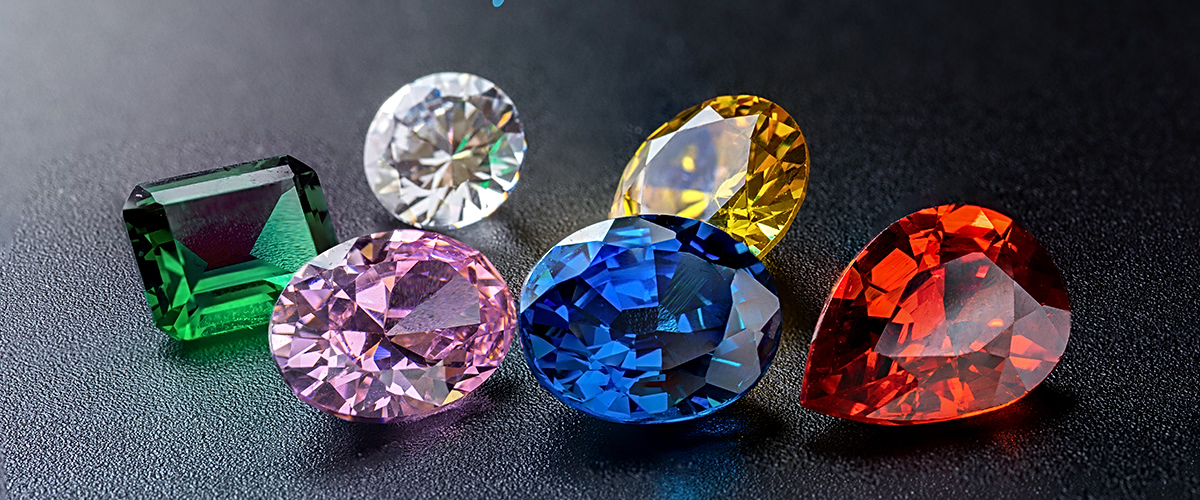
Gem investing is for the sophisticated buyer. We have made gem buying easy, safe, and rewarding. Our program offers the highest-value gems to our customers with the only full Buy-Back promise that safeguards in the industry.
For those looking to use high-quality gems, we can provide the highest quality Ceylon (Sri Lanka) blue sapphires of all sizes. We handle precious gems of all sizes, but our specialty is locating the rare gems that hold their value decade after decade. We are wholesalers rather than retailers with the ability to find rare gems for the sophisticated buyer.
We accept payment in cash, gold, USDT, BTC, and ETH.
All gems are GIA certified, include serial numbers, and have been professionally assessed.
Upon request, there is an option of a "Guaranteed Buy-Back" that assures the customer that we will not only buy the gem back at the original price, or for a negotiated price in one to five years. We do not deal with lab-grown gems as the potential of overproduction at cheap prices is obvious.
While the gem market is concentrates on the "Four C's" of carat weight, clarity, cut, and color; we see these as basic retail elements. For the astute gem buyer seeking to hold gems that hold and increase in their value, we strongly suggest "Size and Rarity" is huge factors in any precious gem purchase. While there may be thousands of similar gems weighing 20 cts or less, there are only a few quality gems over 100 cts. Rarity is an exponential in the pricing of precious gems.
Portfolio Building as a Proven Asset
While many have heard of holding real estate, bond and stocks, gold and silver in their portfolio, consider GIA certified gems that have been assessed for their value as a less volatile and reliable part of your portfolio. If you use your balance sheet as part of your business strategy, we can develop a portfolio of precious gems that fit any size requirements. These gems can be under an SKR or held in safekeeping to assure your gems are a safe and reliable asset.